
Offload
Immutable-source copy operations, resumable transfers, and conflict-safe destination handling.
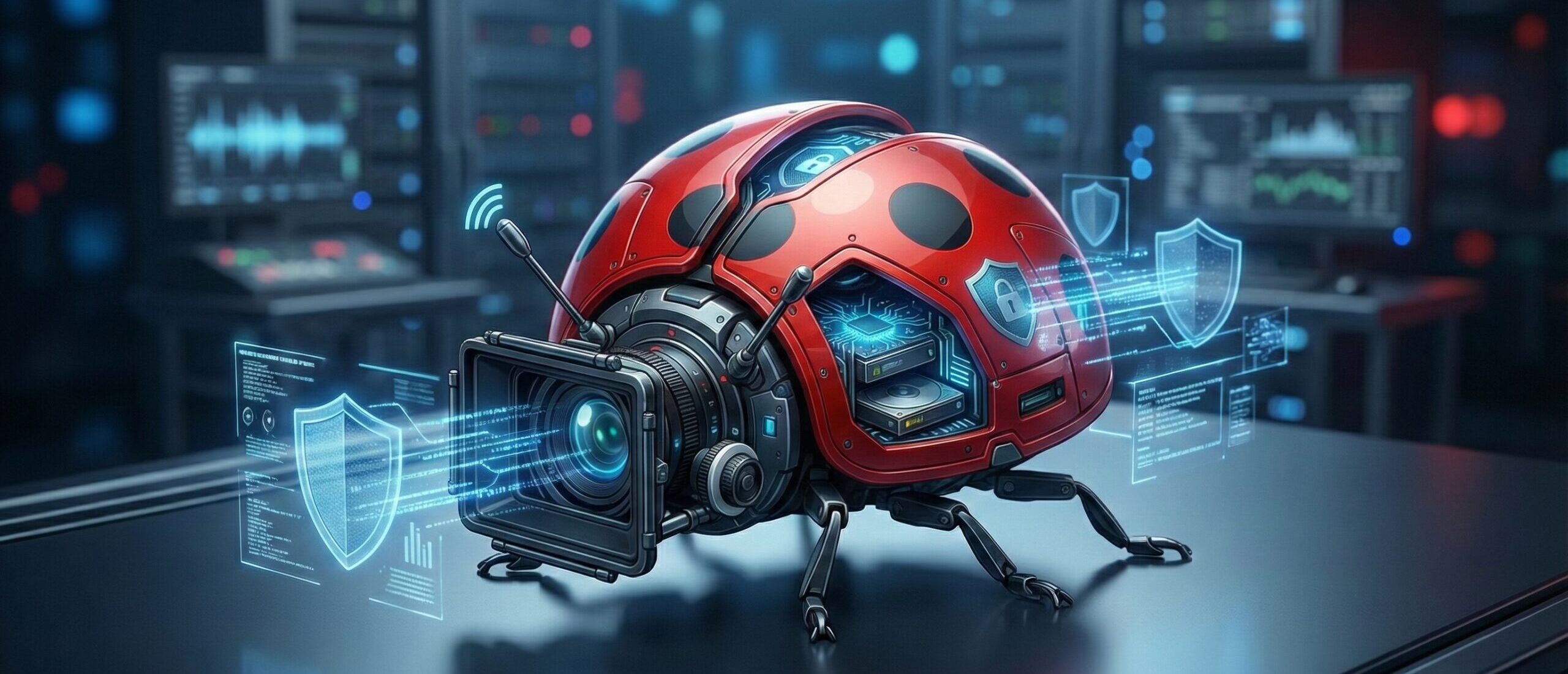
Precision offload, verification, playback, dailies, and reporting for modern digital imaging workflows.
Built by Ladybird Digital, DIT Tool One is a security-first macOS application designed for productions that cannot afford uncertainty. From protected copy operations and cryptographic verification to native camera playback, metadata-rich libraries, dailies generation, and delivery-ready reports, it gives DITs a single, dependable environment for the full media handling workflow.
DIT Tool One is made for real set pressure. It treats source media as immutable, protects destination integrity, verifies every transfer with configurable depth, and creates a clean chain of evidence for every job. Whether you are backing up camera media, reviewing clips, preparing dailies, or exporting handoff reports, the application is built to stay fast, transparent, and defensible.
From offload to playback to archive, the workflow stays inside one controlled environment.
The workflow is structured to move cleanly from protected ingest through verification, review, and final handoff. Every stage is designed to reduce ambiguity instead of adding more tools and more opportunities for failure.
Immutable-source copy operations, resumable transfers, and conflict-safe destination handling.
Configurable verification depth with checksum strategies, read-back validation, and signed evidence.
Native playback, LUT-aware still capture, metadata-rich inspection, and camera-format intelligence.
Dailies, ALE, CSV, PDF report packs, archive handoff, and production-ready reporting artifacts.
These capabilities are about keeping media safe while preserving operational speed. The application treats verification and provenance as first-class concerns rather than afterthoughts.
Copy with confidence using a workflow built around source protection and destination safety. DIT Tool One prevents dangerous source and destination overlap, avoids destructive overwrite behavior, uses atomic temporary writes, supports resumable transfers, and keeps the copy process grounded in a strict immutable-media philosophy.
Choose the level of confidence your workflow requires with Fast, Hybrid, Full, and Size-Only verification modes. Support for multiple checksum strategies and read-back validation gives productions the flexibility to balance speed and assurance without compromising trust.
Send media to multiple destinations with structured destination planning, project-aware folder templates, conflict-safe versioning, offline destination awareness, and preflight storage checks. Complex backup structures stay manageable under real set pressure.
Generate, sign, verify, and validate ASC MHL records directly inside the app. DIT Seal extends trust with signed manifests, verification receipts, chained records, and tamper-evident validation for productions that need defensible media history.
Playback, metadata, and look tools sit inside the same verified workflow, so you can inspect, communicate, and make decisions without fragmenting the handoff record.
Review footage with native support paths for ARRI, RED, and Blackmagic RAW workflows. Playback tools include LUT loading, LUT intensity control, desqueeze options, crop and aspect controls, display target selection, decode resolution options, synced audio support, and still frame export.
Go beyond file names with deep clip metadata extraction. Surface camera, lens, exposure, color, timecode, audio, scene, shot, take, and thumbnail information so teams can organize, review, and hand off material with more clarity.
Maintain a persistent LUT library, assign LUTs per camera, refresh thumbnails with look-aware previews, and capture stills as PNG, TIFF, or JPEG with flexible output settings for review, communication, and continuity.
DIT Tool One is not limited to getting footage off a card. It continues through dailies, structured libraries, handoff, and production-facing reporting so the job finishes with deliverables, not just copied folders.
Create dailies directly from sessions, selected clips, categories, or full projects. Output H.264, HEVC, ProRes, and DNxHD with LUT application, burn-in timecode, audio inclusion, clip ordering, trims, and merged timeline export.
Organize projects, categories, sessions, and clips inside a structured library built for long-term usability. Import and export archive packages, preserve metadata and thumbnails, and move into post with a cleaner project history.
Export CSV reports, ALE metadata, clip metadata summaries, and polished PDF report packs including clip reports, contact prints, shooting day reports, thumbnail reports, and volume reports. Technical operations become client-ready deliverables.
For fast incremental ingest workflows, Studio Mode adds verification-aware skip logic, source evidence checks, target verification, reconnect recovery, and optional library synchronization. It is built for teams who need speed and traceability after set.
Control buffers, concurrency, durability behavior, UI update cadence, and transfer strategy. DIT Tool One is engineered for macOS 15+, built for sandbox-safe distribution, and designed as a self-contained professional tool without compromising performance or security.
DIT Tool One by Ladybird Digital is not just an offload utility. It is a complete media assurance platform for productions that need every transfer, every review, and every handoff to stand up to professional scrutiny.
It is designed for productions that need verified transfer logic, dependable review tooling, and delivery artifacts that remain useful when the project moves beyond set.
Designed for teams that cannot accept uncertainty, DIT Tool One keeps the workflow transparent, defensible, and ready for handoff from the first copy to the final report pack.